
How to Summarize YouTube Videos Using AI (Free, No Sign-Up)
Stop watching hour-long videos to find the one thing you need. Here's how to get AI-powered summaries of any YouTube video in seconds — for free.
You just clicked on a 45-minute YouTube tutorial, but you only need the three key takeaways. Sound familiar? Scrubbing through timelines, skipping ads, rewinding because you missed something — it's a terrible way to consume content. The good news: AI can now extract the important stuff from any YouTube video in about 10 seconds.
Here's exactly how to do it using Summarise, a free tool that generates structured, readable summaries from any YouTube video.
Two Ways to Summarize YouTube Videos
There are two approaches depending on your workflow:
- Use the website directly — paste a YouTube URL and get your summary
- Use the Chrome extension — click one button while watching any video
Both are completely free and don't require an account. Let's walk through each.
Method 1: Using the Summarise Website
This is the fastest way if you already have a YouTube URL handy.
Step 1: Go to the Video Summary Page
Head to summarise.info/youtube-summary. You'll see a clean interface with two options: paste a URL or search for videos directly.
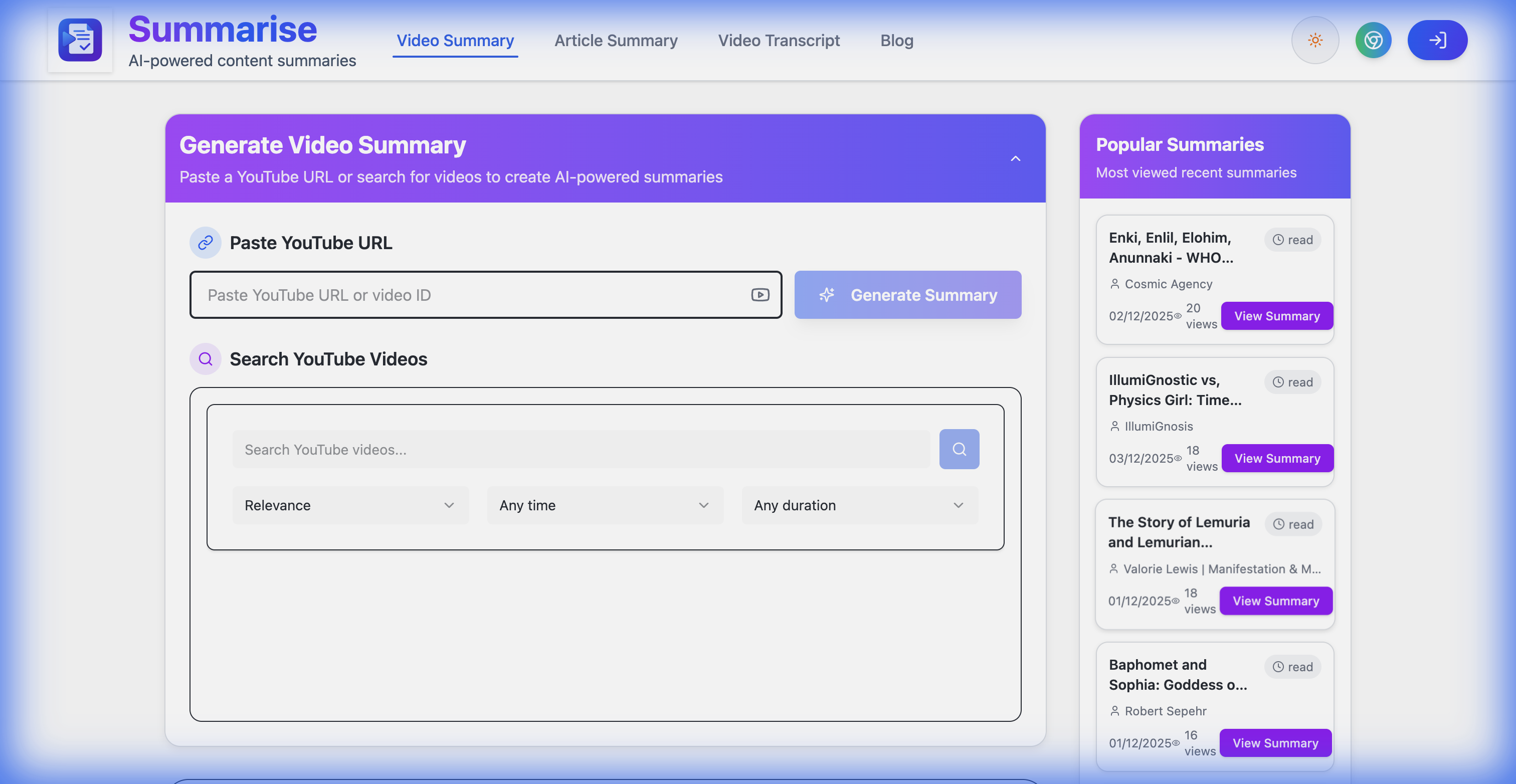
Paste YouTube URL to generate summary
Step 2: Paste Your YouTube URL
Grab the URL of any YouTube video and paste it into the input field. You can use the full URL (like https://www.youtube.com/watch?v=VIDEO_ID) or just the video ID.
Hit Generate Summary and wait a few seconds.
Step 3: Read Your AI Summary
The AI processes the video's transcript and generates a well-structured summary with clear sections, key points, and important details. You get two modes:
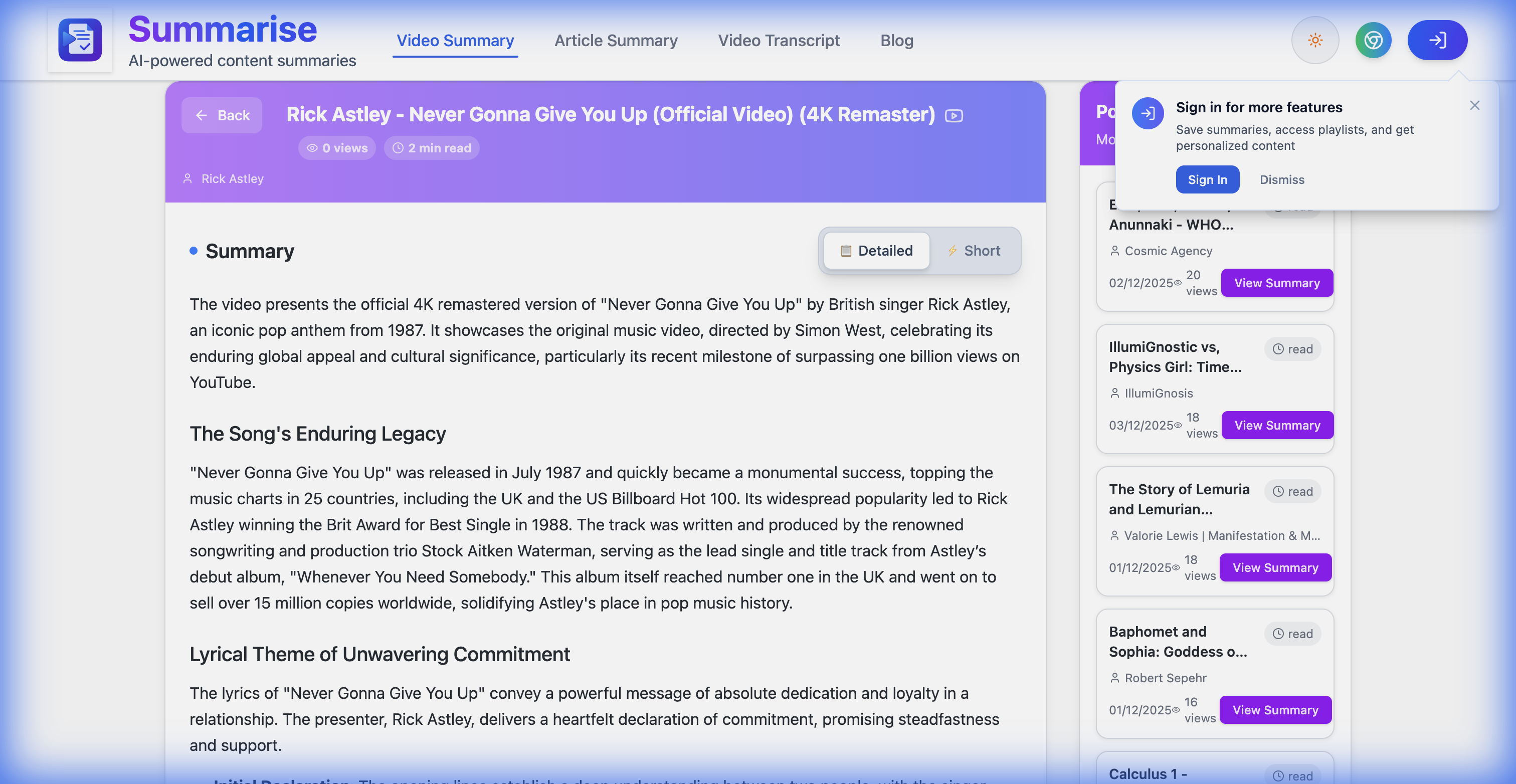
- Detailed — a comprehensive breakdown with headings, context, and supporting details
- Short — bullet-point-style highlights for when you just need the gist
AI-generated summary with detailed sections
The summary includes the video title, channel name, estimated read time, and the full structured content. It's like reading a well-written article version of the video.
Bonus: Search for Videos Directly
Don't have a URL? No problem. You can search for YouTube videos right from the Summarise page using the built-in search. Filter by relevance, upload date, or video duration to find exactly what you need — then generate the summary without leaving the page.
Method 2: Using the Chrome Extension
If you watch a lot of YouTube, the Chrome extension is the way to go. One click while you're on any video, and you get the summary instantly.
Step 1: Install the Extension
Visit the Chrome Web Store and click Add to Chrome. The extension is called "Free Video and Webpage Summarizer."
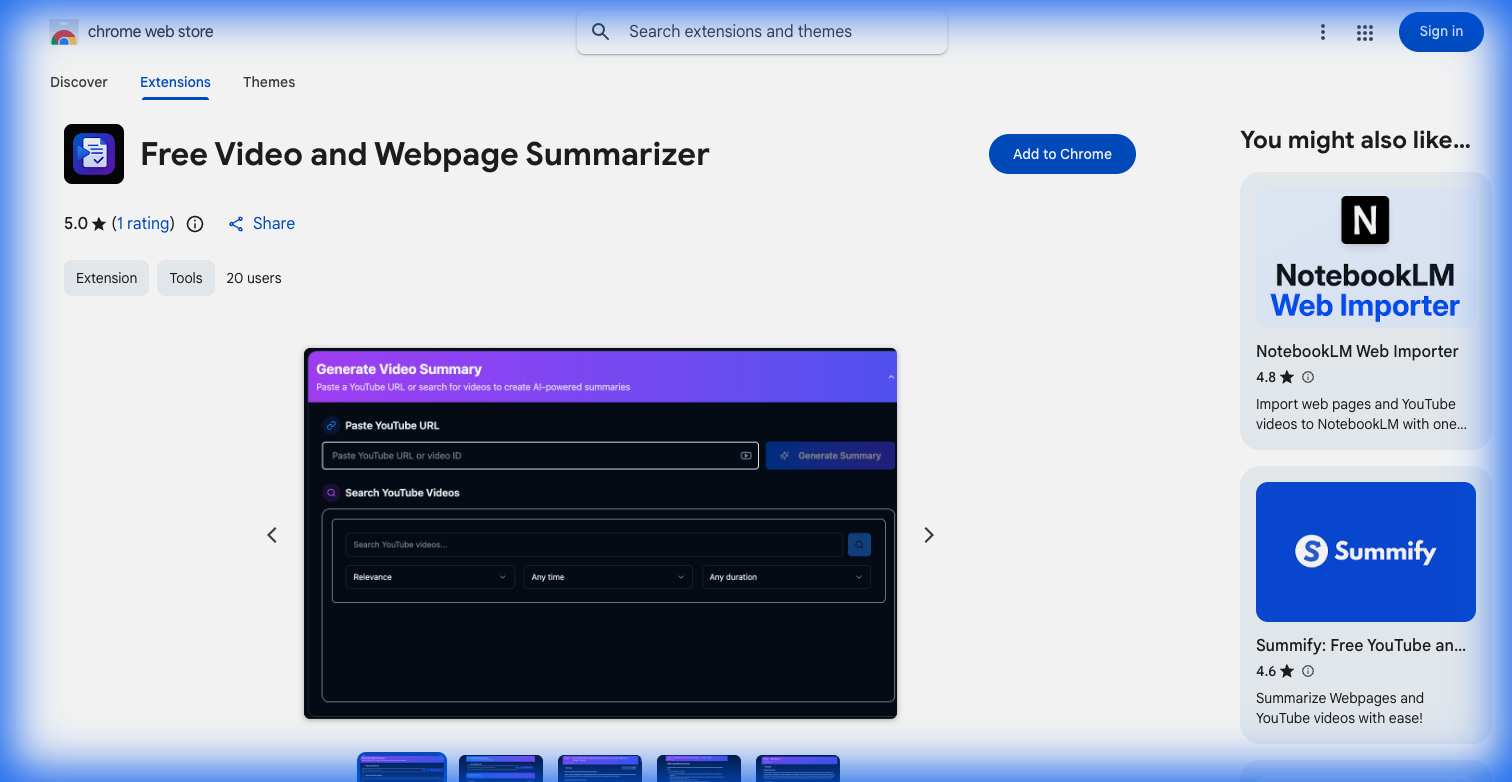
Chrome Web Store - Summarise Extension
Step 2: Pin the Extension
After installation, click the puzzle piece icon in your Chrome toolbar, find the Summarise extension, and pin it so it's always visible.
Step 3: Click and Summarize
Navigate to any YouTube video, click the Summarise icon in your toolbar, and the summary opens in a new tab. That's it — three clicks from video to summary.
What Makes a Good AI Summary Tool?
Not all summarizers are created equal. Here's what to look for:
- Structured output — headings and sections, not just a wall of text
- Detailed and short modes — flexibility for different use cases
- No account required — you shouldn't need to sign up just to summarize a video
- Speed — summaries should generate in under 15 seconds
- Free tier — the core functionality should be accessible without payment
Summarise checks all these boxes, which is why it's worth bookmarking.
When This Actually Saves You Time
Here are some real scenarios where AI video summaries pay off:
- Research — scanning multiple hour-long lectures or conference talks to find the relevant one
- Meeting prep — quickly reviewing a recorded presentation before a call
- Study notes — turning educational content into readable study material
- Content creation — understanding what competitors cover in their videos without watching the full thing
- Staying current — keeping up with tech talks, news breakdowns, or tutorial updates
FAQ
Does it work with any YouTube video? Yes, as long as the video has a transcript (auto-generated or manual). Most YouTube videos do.
Is it actually free? The core summarization feature is free. No credit card, no hidden charges.
How accurate are the summaries? The AI uses the video's transcript, so the summaries closely reflect the actual content. You get structured output with the key points, not hallucinated content.
Can I summarize webpages too? Yes. Summarise also has an Article Summary feature for webpages — same idea, different input.
Start Summarizing
Stop watching videos you don't need to watch fully. Whether you use the website or the Chrome extension, you'll save hours every week.
Try it now at summarise.info.
Explore More
- Artificial Intelligence Channels — Discover creators covering AI tools, machine learning, and automation.
- Technology Channels — Stay up to date with tech reviews and tutorials.